Get a Ryzen 7000 VPS Same Day: AceRDP 8 Point Checklist

Get a Ryzen 7000 VPS Same Day: AceRDP 8 Point Checklist
For latency-sensitive RDP sessions, game servers, CI pipelines, and other CPU-bound VPS workloads, an AMD Ryzen 7000 VPS is the right pick over older Ryzen or Intel-based plans. AceRDP stands out as a leading option here, running Ryzen 9 9950X infrastructure with NVMe storage and full Windows Server support. Developers, remote desktop users, and small automation teams get the most benefit, especially anyone who feels every millisecond of single-core lag.
TL;DR:
- Providers must specify the exact Ryzen 7000 model, memory type, NVMe generation, and sustained all-core clock speed to ensure real performance and avoid marketing exaggerations.
- Ryzen 7000’s benefits are most noticeable for single-thread tasks like remote desktop, gaming servers, and small automation, with X3D variants offering additional cache benefits for modded game servers.
- Cooling and thermal management are critical, as Ryzen 7000 chips run hotter and are not designed for 24/7 dense rack environments, affecting sustained performance and reliability.
- NVMe Gen4 storage significantly outperforms Gen3 under sustained load, making it a key factor in VPS performance for database and file operations, surpassing model specifications.
- In choosing a provider, prioritize transparency on sustained performance, backup policies, data center location, and quick provisioning over just comparing clock speeds or core counts.
Table of Contents
- What To Compare When Evaluating AMD Ryzen 7000 VPS Plans
- What The Ryzen 7000 Platform Actually Changes For A VPS
- Which Workloads Actually Benefit From A Ryzen 7000 VPS
- Operational Details Worth Confirming Before You Order
- Thermal And Reliability Considerations Unique To Ryzen 7000
- Ballpark Pricing And How To Pick The Right Plan Size
- Why The Usual Ryzen VPS Advice Misses The Point
- Why AceRDP Fits The Ryzen 7000 VPS Checklist
- Where To Verify The Specs Yourself
- Sources
- FAQ
What To Compare When Evaluating AMD Ryzen 7000 VPS Plans
Vendor pages love to bury the details that actually determine whether a plan performs. Before you commit, run through this list.
- Confirm the exact CPU model (7700X, 7900X, 7950X, or an X3D variant) and whether vCPUs are dedicated cores or shared/oversubscribed.
- Ask for sustained all-core clock behavior, not just the advertised boost figure. Boost numbers are marketing; sustained throughput is what your build jobs actually see.
- Check memory type. It should be DDR5, and the size should match your workload (2GB is fine for a light RDP box, 16GB+ for build agents).
- Verify NVMe generation (Gen3 vs Gen4) and ask how often snapshots or backups run.
- Look at network bandwidth caps, DDoS protection, and latency from your physical location to the data center.
- Confirm OS support. Windows Server licensing terms vary, and you want full admin or root access, not a locked-down container.
- Check provisioning time and whether there’s a control panel or API for managing the server yourself.
- Ask about support hours and accepted payment methods, including crypto if that matters to you.
Pro Tip: Email support before you buy and ask one specific technical question, like “what’s your sustained all-core clock under a 30-minute stress test?” A vague answer tells you more than a vague spec sheet ever will.
What The Ryzen 7000 Platform Actually Changes For A VPS
Zen 4’s biggest practical win is single-core boost speed, and that matters more than most buyers realize. RDP sessions, most game servers, and a lot of everyday automation scripts run on one or two threads at a time, so a CPU that hits higher single-core clocks feels faster even when the workload never touches the other cores.
Ryzen 7000 also brought DDR5 memory support and more PCIe lanes, which together enable the fast NVMe storage that shows up on modern VPS plans. Gigabyte’s server platform documentation confirms single-socket Ryzen 7000 systems support DDR5 capacity up to 128GB with PCIe Gen5 slots for NVMe expansion. AMD’s Ryzen 7000 server datasheet also notes built-in security features at the processor level, useful for anyone running remote desktop access over the public internet.
One caveat worth flagging: Ryzen 7000 is a consumer/desktop line, not a server-grade EPYC chip built for 24/7 dense rack duty. That doesn’t disqualify it, but it does mean provider cooling design matters more than usual.
Which Workloads Actually Benefit From A Ryzen 7000 VPS
Not every task needs this platform, but several common ones line up perfectly with what Zen 4 does well.
- RDP and remote desktop. Single-core boost speed is the whole game here. A modest 2 to 4 vCPU plan with NVMe storage handles most remote desktop use comfortably.
- Game servers, including modded Minecraft. Prioritize clock speed over core count, and look for X3D variants on cache-heavy modpacks. Product listings for high-tier Ryzen VPS plans show 3D V-Cache options specifically marketed for this reason.
- Development and CI/build agents. These jobs are multi-threaded, so you want a balanced vCPU-to-RAM ratio and fast NVMe I/O rather than raw clock speed alone.
- Light AI inference and automation. NVMe plus DDR5 covers most scripted automation and small inference jobs, but watch your RAM ceiling. Heavy machine learning training needs a GPU-capable node, not a Ryzen CPU box.
- Enterprise-scale, memory-hungry, always-on workloads. This is where EPYC or bare-metal dedicated servers usually make more sense than any Ryzen VPS.
Operational Details Worth Confirming Before You Order
The CPU model gets all the attention, but the operational details decide whether you’re happy a month in.
- NVMe generation directly affects database and file I/O speed. Gen4 drives outperform Gen3 noticeably under sustained read/write loads, and that gap often matters more than the CPU model itself.
- Ask how often snapshots or backups run and how restores actually work. A backup policy that only exists on paper is not a backup policy.
- Check data center locations relative to your users. AceRDP runs Netherlands and US locations, which covers a wide latency range for RDP and gaming traffic without forcing everyone onto one region.
- Provisioning speed matters if you need a server today. Look for instant or near-instant deployment through a control panel or API, along with genuine Windows Server licensing and full administrator access rather than a restricted account.
Thermal And Reliability Considerations Unique To Ryzen 7000
Ryzen 7000 chips run hot at high boost clocks, more so than server-grade EPYC parts designed for sustained load. Gigabyte’s own rack server documentation notes that overclocking isn’t supported in their server barebones specifically because of thermal limitations in dense environments. That’s a good sign when a provider builds on that kind of platform. It means someone thought about cooling instead of just chasing benchmark numbers.
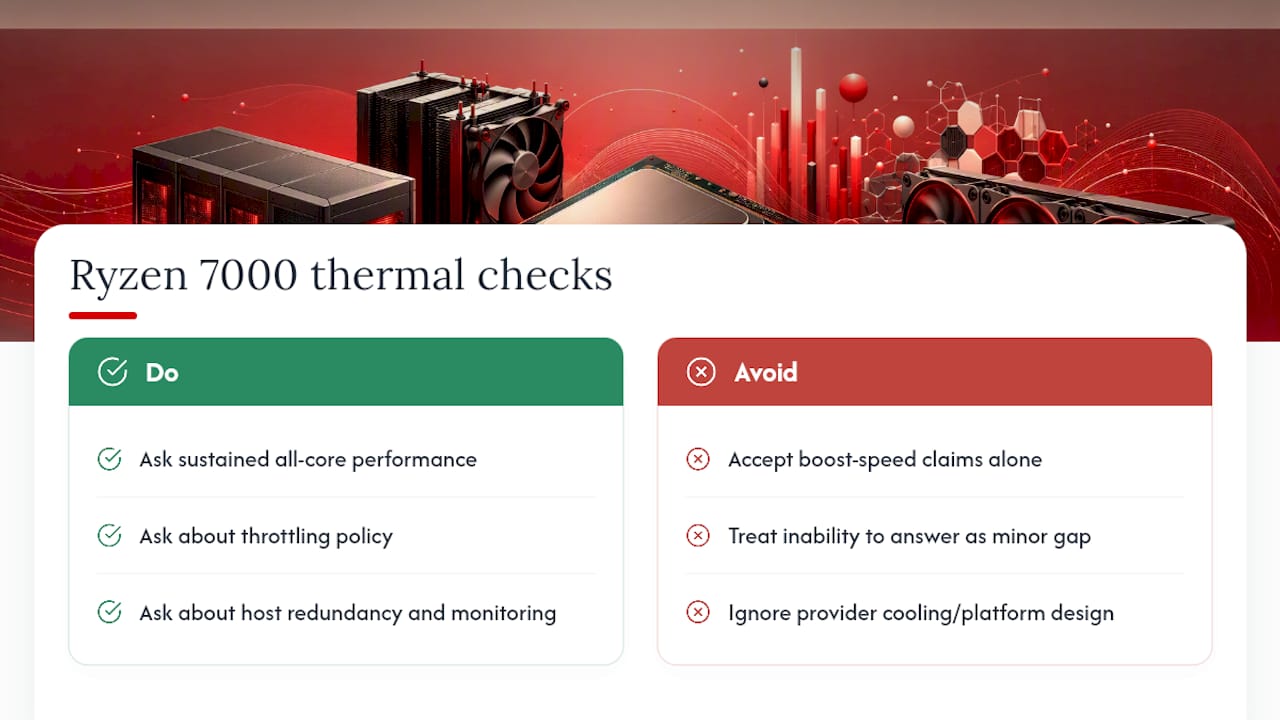
Ask providers for sustained all-core performance figures, not just boost speed, and ask directly about throttling policy. Also ask about host redundancy: spare capacity, power supply redundancy, and whether load is monitored per node.
Pro Tip: If a provider can’t answer “what happens to my server’s clock speed after 20 minutes of full load,” treat that as a red flag, not a minor gap.
Ballpark Pricing And How To Pick The Right Plan Size
Ryzen 7000 VPS pricing tends to fall into three rough tiers. Entry plans typically offer a small number of vCPUs and modest RAM, suitable for light RDP use or small scripts. Standard plans provide a balanced number of vCPUs and RAM suitable for most development and gaming. Performance plans target heavier workloads demanding more CPU cores and larger memory capacities.
Several factors push price up beyond raw specs:
- Dedicated (not shared) vCPU allocation
- Higher NVMe IOPS tiers
- Windows Server licensing costs baked into the plan
- Premium data center locations with lower latency to major population centers
If your usage is intermittent, a burst-capable smaller plan with the option to upsize costs less than jumping straight to a bigger tier. For 24/7 production workloads, estimate cost on sustained usage, not idle time, since idle numbers make every plan look cheaper than it will actually run.
Why The Usual Ryzen VPS Advice Misses The Point
Most comparisons of Ryzen VPS plans focus almost entirely on clock speed and core count, treating the spec sheet like the whole decision. That’s backwards. The gap between a good and bad Ryzen 7000 experience usually comes down to how the provider manages thermal load and NVMe I/O under sustained conditions, not which exact model number sits on the box.
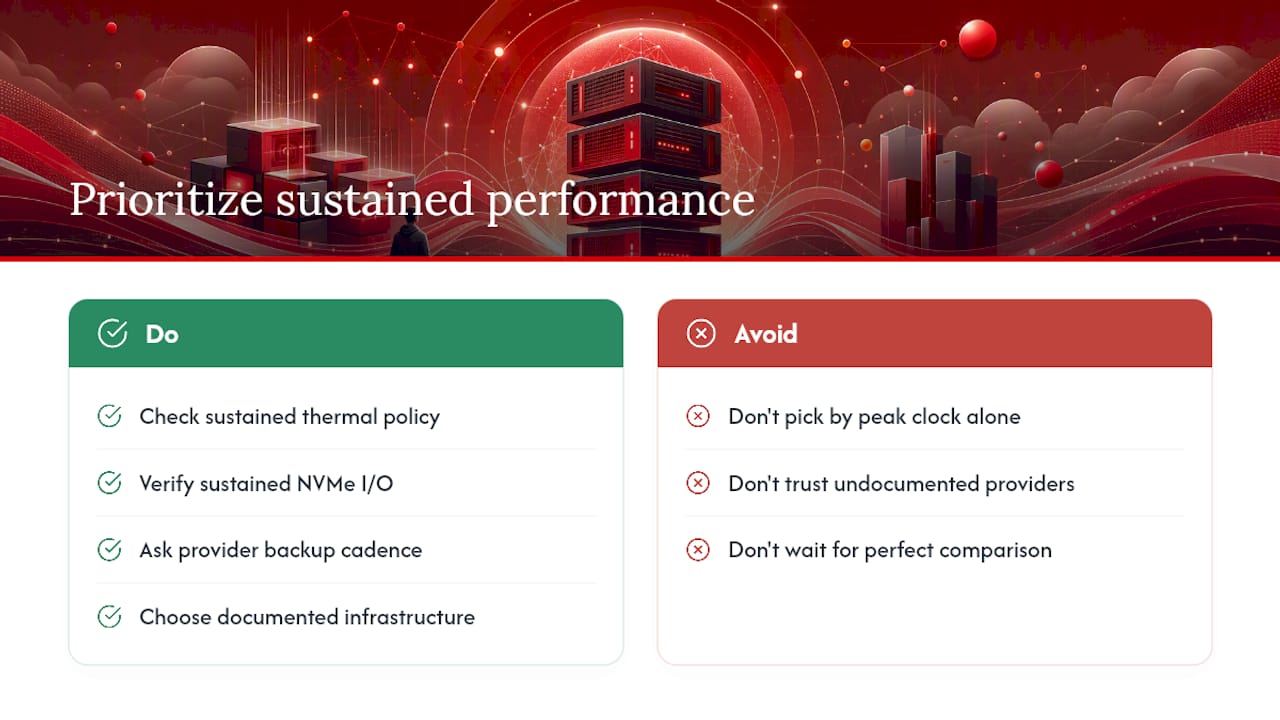
A provider running Ryzen 9950X with Gen4 NVMe and a documented cooling approach will consistently outperform one running a flashier-sounding chip on undocumented infrastructure. Buyers should prioritize providers who are transparent about sustained performance and backup cadence over ones who just list the highest boost clock in bold letters.
If you need a server running today, don’t wait for a “perfect” comparison across a dozen vendors. Confirm the checklist items in this guide against two or three providers, pick the one that answers clearly, and move on. Speed of decision matters almost as much as speed of the CPU when you’re actually trying to ship something.
— AceRDP
Why AceRDP Fits The Ryzen 7000 VPS Checklist
AceRDP runs its Windows RDP and KVM VPS plans on Ryzen 9 9950X infrastructure, paired with NVMe storage and full Windows Server support with genuine administrator access, not a locked-down guest account. AceRDP’s plans are available across Netherlands and US locations, giving you a real choice on latency depending on where your traffic originates, and provisioning is fast enough to have a working server the same day you order.

AceRDP fits RDP users, developers, automation builders, and traders who need dedicated CPU performance without enterprise-scale contracts. If your workload needs massive memory pools or dense 24/7 enterprise rack capacity, a bare-metal or EPYC-based provider is the better call. For everything else on this checklist, from clock speed to NVMe tier to admin access, check the exact CPU model, NVMe generation, and backup policy on your chosen plan, then order your Ryzen 7000 VPS directly through AceRDP’s platform.
Where To Verify The Specs Yourself
Don’t take any provider’s word alone. AMD’s Ryzen 7000 server datasheet covers frequencies and platform security features directly from the source. Gigabyte’s rack server pages show real Ryzen 7000 platform configurations, including thermal notes worth reading before you trust any provider’s cooling claims. For plan specifics and ordering, AceRDP’s landing page lists current specs directly.
Sources
FAQ
Is The Ryzen 7000 Series Still Good In 2026?
Yes. Zen 4’s single-core boost performance and DDR5/PCIe Gen5 support still hold up well for RDP, gaming, and CPU-bound VPS workloads, especially on plans with NVMe storage.
Is AMD Ryzen 7 7000 Good For Gaming Servers?
Yes, particularly for single-player-adjacent hosting like modded Minecraft or smaller multiplayer instances, where single-core clock speed matters more than raw core count. X3D variants add a further edge for cache-heavy modpacks.
Is AMD Ryzen 7 Outdated?
No. Ryzen 7000 remains a current, actively used platform for VPS and RDP hosting, and its DDR5 and PCIe Gen5 support keep it competitive against both newer and older architectures for most everyday server workloads.
Is Ryzen 7000 Better Than Intel For VPS Hosting?
For latency-sensitive, single-thread-heavy tasks like RDP and light gaming, Ryzen 7000’s boost clocks generally give it an edge. For heavily multi-threaded enterprise workloads, the better platform depends more on the specific Intel generation and core count than on brand alone.


