What Is DDoS Protection VPS Hosting and How Do You Get It?

What Is DDoS Protection VPS Hosting and How Do You Get It?
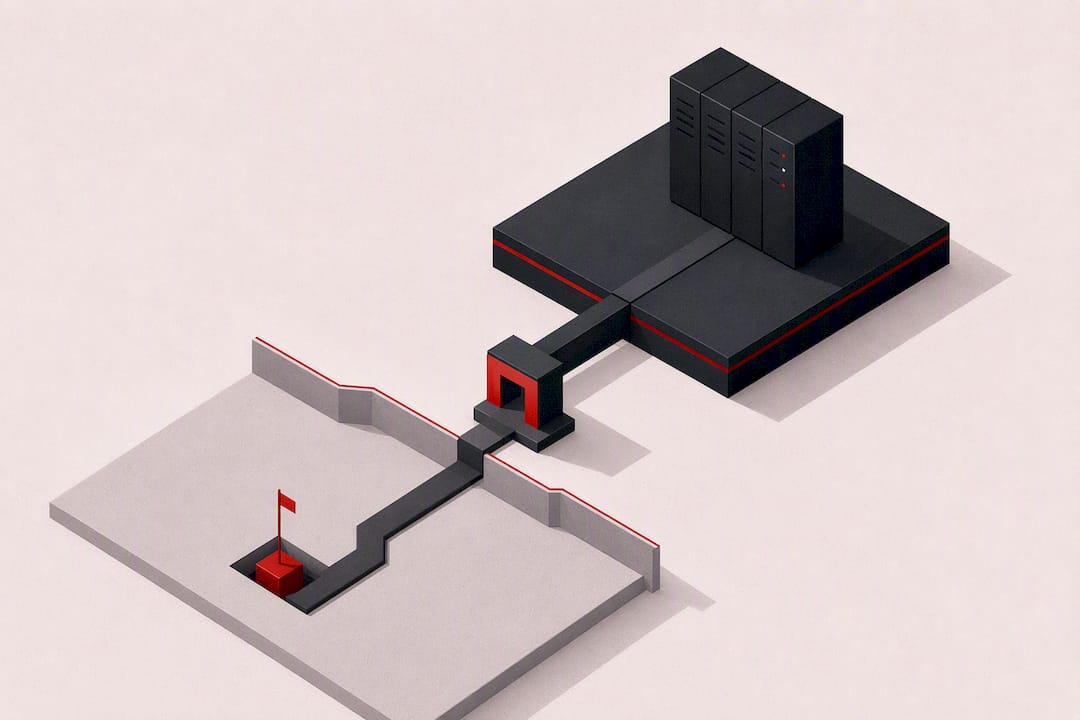
A DDoS-protected VPS is a virtual server plan that pairs provider-level traffic scrubbing with server-side hardening, so an attacker’s flood of junk traffic gets filtered out before it ever reaches your workload. The fastest path to real protection is choosing a plan with always-on mitigation or a fast on-demand SLA, then layering basic server hardening on top. Standards from CISA and NIST both stress the same point: preparedness beats reaction, and mitigation capacity measured in Gbps and Mpps only matters if you know how to read it.
A DDoS-protected VPS combines network-level scrubbing you don’t manage with server-level controls you do. Skipping either half leaves a gap.
Here’s what to check before you sign up for any plan:
- Confirm the provider’s scrubbing capacity (Gbps and Mpps) and whether mitigation is always-on or triggered manually.
- Ask about SLA response times and whether support is staffed 24/7 during an active attack.
- Enable basic server hardening (firewall rules, connection limits) the same day your VPS goes live.
Key Takeaways
Effective DDoS protection for a VPS requires provider-side scrubbing with a clear Gbps/Mpps figure and an SLA, combined with server-level hardening you control directly.
| Point | Details |
|---|---|
| Verify real capacity numbers | Always get the exact Gbps and Mpps figures instead of accepting a vague “protected” label. |
| Match protection to attack type | Volumetric needs scrubbing capacity, protocol needs filtering, application-layer needs a WAF or rate limiting. |
| Layer operator hardening on top | Add firewall rules, Fail2Ban, sysctl tuning, and tools like khydrawall even on a protected plan. |
| Budget by tier | Expect $0–$10 for basic filtering, $10–$50 for per-IP protection, and $50+ for enterprise-grade scrubbing. |
| Acerdp as the integrated option | Acerdp bundles DDoS protection into its Ryzen-based VPS and RDP plans with 24/7 support and instant provisioning. |
Table of Contents
- What Does “DDoS Protection for VPS” Actually Mean?
- How Does Provider-Level DDoS Mitigation Actually Work?
- Which DDoS Attack Types Can a Protected VPS Actually Stop?
- How Do You Choose the Right DDoS-Protected VPS Plan?
- What Operator-Side Hardening Should You Add on Top?
- What Does DDoS Protection Typically Cost?
- A Practical Recommended Approach
- Ready to Secure Your VPS Against DDoS Attacks?
- Frequently Asked Questions
- Sources
What Does “DDoS Protection for VPS” Actually Mean?
The phrase gets used loosely, and that’s a problem when you’re comparing plans. A true DDoS-protected VPS combines two separate things: network-level mitigation the provider runs upstream, and server-side controls you configure yourself. The provider side typically includes always-on scrubbing (traffic gets filtered continuously, no action needed from you), on-demand scrubbing (mitigation kicks in only once an attack is detected, which can cost you a few seconds to a few minutes of downtime), per-IP protection, and rate limiting at the network edge.
None of this is standardized. One host’s “DDoS protection” might mean 10 Gbps of shared scrubbing capacity split across thousands of customers; another’s might mean a dedicated, always-on pipe rated well into the hundreds of Gbps.
Before you trust the label, ask for the number. “DDoS-protected” without a stated Gbps figure, an always-on/on-demand distinction, and an SLA is closer to marketing than a guarantee.
What to verify in any plan:
- The actual scrubbing capacity in Gbps and packets per second, not just the word “protected.”
- Whether mitigation is always-on or requires an attack to be detected first.
- Whether protection applies per-IP or is shared across the provider’s whole network.
How Does Provider-Level DDoS Mitigation Actually Work?
Provider mitigation follows a repeatable sequence: detection, diversion, scrubbing, and forwarding. Traffic gets monitored for anomalies (a sudden 50x spike in packets to one IP, for instance), and once a threshold trips, that traffic gets rerouted through a scrubbing center using BGP announcements or an Anycast network. The scrubbing center strips out malicious packets and forwards only clean traffic back to your VPS.
Different attack types get handled at different layers. Volumetric floods (UDP floods, DNS amplification) get absorbed in Layer 3/4 through raw capacity and filtering. Protocol attacks like SYN floods get normalized before they reach your kernel. Application-layer attacks (HTTP floods, slow POST requests) need a web application firewall or rate-limiting rules, since they look like legitimate traffic at the network level and only reveal themselves at Layer 7.
Two numbers matter when you’re comparing capacity: Gbps tells you raw bandwidth the scrubbing center can absorb, while Mpps tells you how many packets per second it can process. A network can have huge Gbps capacity but still choke on a small-packet flood if its Mpps ceiling is low, since some attacks maximize packet count rather than payload size.
- Detection triggers on traffic anomalies, then diversion routes the flow through a scrubbing center.
- Volumetric attacks need raw Gbps; protocol and small-packet floods need high Mpps.
- Application-layer threats need a WAF or rate limiting, since scrubbing centers alone won’t catch them.
Pro Tip: When you talk to sales, ask for the specific traffic threshold that triggers mitigation, how you’ll be notified during a live attack, and whether they offer a real-time dashboard or post-incident packet captures. Vague answers here are the biggest red flag in the whole buying process.
Which DDoS Attack Types Can a Protected VPS Actually Stop?
Not every “DDoS protection” claim covers every attack type, and this is where a lot of buyers get burned. Volumetric attacks (UDP floods, DNS or NTP amplification) aim to saturate your bandwidth and get stopped by cloud scrubbing capacity. Protocol attacks (SYN floods, malformed or fragmented packets) target server and network resources rather than bandwidth, and get handled through provider-side rate limiting combined with kernel-level filtering, an area where practices like ingress filtering against spoofed traffic matter directly. Application-layer attacks (HTTP floods, slow POST) mimic real user traffic and usually slip past network-level scrubbing entirely.
| Attack type | Typical mitigation layer | Where operator hardening still matters |
|---|---|---|
| Volumetric (UDP, amplification) | Cloud scrubbing center capacity | Confirming actual Gbps/Mpps ceiling |
| Protocol (SYN flood, fragmentation) | Provider rate limiting, filtering | Kernel tuning (syncookies, backlog) |
| Application (L7 HTTP floods) | WAF, provider L7 rules | Nginx rate limits, Fail2Ban rules |
- Volumetric floods need bandwidth; protocol attacks need filtering; L7 attacks need application logic.
- Your provider stops most of the first two; you’re responsible for a meaningful share of the third.
How Do You Choose the Right DDoS-Protected VPS Plan?
Comparing plans on marketing copy alone is how people end up under-protected. Work through this checklist before you commit:
- Scrubbing capacity — ask for the exact Gbps and Mpps figures, not a vague “protected against attacks” claim.
- Always-on vs. on-demand — always-on costs more but eliminates the detection lag that on-demand mitigation carries.
- Per-IP vs. shared protection — a dedicated protected IP holds up better under sustained attack than protection shared across a provider’s whole customer base.
- SLA specifics — look for a stated response time (minutes, not “as soon as possible”) and what happens if they miss it.
- 24/7 support during mitigation — confirm a human is reachable at 3 a.m. during an active attack, not just during business hours.
- Post-incident reporting — ask whether you get logs or a summary after an attack, since that data helps you harden further.
Red flags worth walking away from: capacity numbers that change every time you ask, no written SLA, support that only responds during business hours, and any provider that can’t explain what routing changes you’d need to make on your end during an attack. A provider with a real answer will happily walk you through their detection thresholds; one dodging the question usually doesn’t have the infrastructure to back the claim.
What Operator-Side Hardening Should You Add on Top?
Provider mitigation handles the flood at the network edge, but plenty of attacks still reach your server, and that’s where operator hardening closes the gap. Start with quick wins: firewall rules that drop obviously malicious traffic, Fail2Ban to block repeat offenders, and hard limits on concurrent connections per IP.

From there, move to configuration-level defenses. Nginx rate limiting and basic WAF rules catch application-layer floods that slip past network scrubbing. Kernel and network tuning through sysctl parameters like tcp_syncookies and an adjusted SYN backlog reduce your exposure to protocol-level floods without needing any third-party software.
For operators running Linux VPS instances, lightweight kernel-level tools add real resilience with minimal overhead. khydrawall, for example, runs a four-layer stack on Ubuntu or Debian: XDP/eBPF filtering at the driver level (drops malicious packets before they even reach the kernel’s networking stack), iptables mangle rules, ipset blacklists that scale to a million entries, and application chains guarding against SYN, UDP, and ICMP floods. It needs a compatible kernel version and root access, but installs without disrupting a running server.
Lightweight kernel-level filtering can drop malicious packets earlier in the pipeline than firewall rules alone, which matters most on VPS instances with limited CPU headroom.
- Quick wins: firewall rules, Fail2Ban, per-IP connection caps.
- Mid-tier: Nginx rate limiting, basic WAF rules, sysctl tuning.
- Advanced: XDP/eBPF tools, live monitoring with webhook alerts.
Pro Tip: If you’re using a cloud mitigator, configure your firewall to whitelist its health-check IPs so it doesn’t accidentally block the service protecting you, and restrict direct access to your real server IP so attackers can’t bypass the scrubbing center entirely.
What Does DDoS Protection Typically Cost?
Pricing splits into rough tiers, and knowing which one you’re paying for helps you avoid overpaying for capacity you don’t need or underpaying for protection that won’t hold up.
| Price range | What you typically get |
|---|---|
| Basic plans | Include filtering suitable mainly for low-volume attacks |
| Mid-tier plans | Offer improved per-IP protection and moderate capacity |
| Enterprise plans | Provide high-capacity or on-demand scrubbing services |
Free or near-free protection usually covers small, opportunistic floods but folds under a sustained or large-scale attack. Mid-tier plans add dedicated per-IP protection, which holds up better than shared network defense. Enterprise-grade scrubbing, often billed on usage or as a retainer, adds features like a bundled WAF or CDN, but can introduce added latency since traffic routes through additional scrubbing infrastructure before reaching your server. A hybrid setup combining cloud-side scrubbing with local hardening tends to give the best balance of cost and control for most VPS users.
A Practical Recommended Approach
Pick a VPS plan with dependable mitigation, always-on if you can afford it, then add lightweight hardening yourself instead of treating either layer as sufficient alone. AceRDP works well as a starting point for buyers who want integrated protection without sacrificing low latency.
Ready to Secure Your VPS Against DDoS Attacks?
If you’ve read this far, you already know that provider protection and server hardening need to work together, not one instead of the other. AceRDP builds DDoS protection directly into its Windows RDP and KVM VPS plans, running on AMD Ryzen infrastructure with NVMe storage, so you’re not bolting mitigation on after the fact or hunting for a compatible add-on.

Every plan includes integrated DDoS protection alongside 24/7 support, which means you get someone to talk to during an actual incident, not just a ticket queue. Instant provisioning gets your server running in minutes, with options across multiple locations including the Netherlands and the US. If you’re ready to stop patching together mitigation from separate vendors, check the current VPS and RDP plans and pick the configuration that matches your workload.
Frequently Asked Questions
Is DDoS attacking someone illegal? Yes. Launching a denial-of-service attack against systems you don’t own or have authorization to test is illegal in most jurisdictions and falls under computer fraud and unauthorized access laws. CISA’s guidance on denial-of-service attacks treats this as a criminal activity to report and defend against, not a gray area.
Does a VPN protect against DDoS attacks? A VPN can hide your real IP address, which stops attackers from targeting it directly, but it doesn’t scrub malicious traffic the way a dedicated mitigation service does. It’s a partial layer at best, useful for masking exposure rather than absorbing an actual flood.
How do I know if my DDoS protection is actually working? Run controlled load tests against your own infrastructure, monitor your provider’s dashboard during simulated spikes, and request post-incident reports after any real attack. Following an incident-handling framework like NIST’s SP 800-61 helps you structure detection and verification instead of guessing whether mitigation kicked in.
Do I still need a firewall if my provider offers DDoS protection? Yes. Provider mitigation handles network-level floods, but application-layer attacks and unauthorized access attempts still reach your server directly. Firewall rules, Fail2Ban, and rate limiting close that remaining gap.
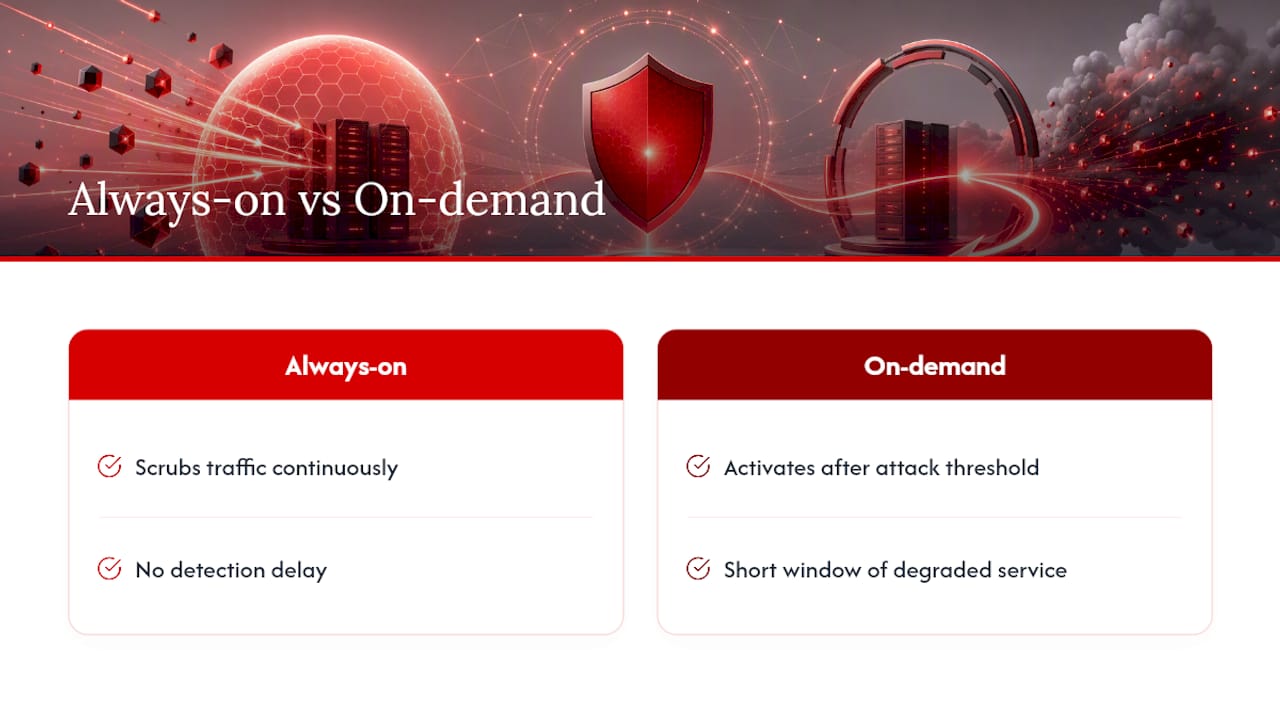
What’s the difference between always-on and on-demand mitigation? Always-on scrubs traffic continuously regardless of whether an attack is happening, so there’s no detection delay. On-demand only activates once an attack crosses a threshold, which usually means a short window of degraded service before mitigation kicks in.
Sources
- Computer Security Incident Handling Guide (SP 800-61 Rev. 3) — NIST
- semihyurur/khydrawall-Anti-DDoS
- sysctl — kernel documentation